
如何在 Canva Designs 中创建二维码
 通过 Vall V.
目录
什么是 Canva 二维码?
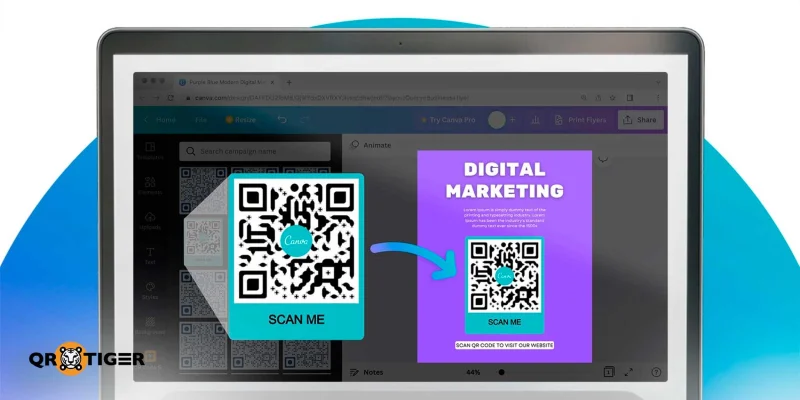
Canva二维码是使用Canva制作的二维码,Canva是一款流行的设计工具。它允许用户添加 链接到二维码 将其放在设计中,如名片、海报、传单和社交媒体图形上。
然而,它只能用于URL,因此无法为文件、联系方式或其他用途创建QR码。它也不会跟踪扫描,因此您无法知道有多少人使用它。
在Mac上尝试访问文件时,一些用户也会遇到Finder问题,如果您的需求超出简单的URL重定向,Canva的QR码限制可能会让人沮丧。
这些类型的干扰,比如查找器故障,可能会严重影响您的工作流程,特别是当您使用依赖对文件进行无缝访问的工具时。
如果您遇到Finder的问题,可以提供解决方案来帮助您恢复一切到正确的位置。
在 Canva 中可以创建二维码吗?
尽管通常需要使用特定软件制作QR码,但在Canva网站上也可以制作QR码而无需离开该网站。
有两种方法可以做到这一点:一种是使用Canva QR码生成器,另一种是集成 QR 虎 将软件整合到Canva本身。
我可以在Canva中创建动态QR码吗?
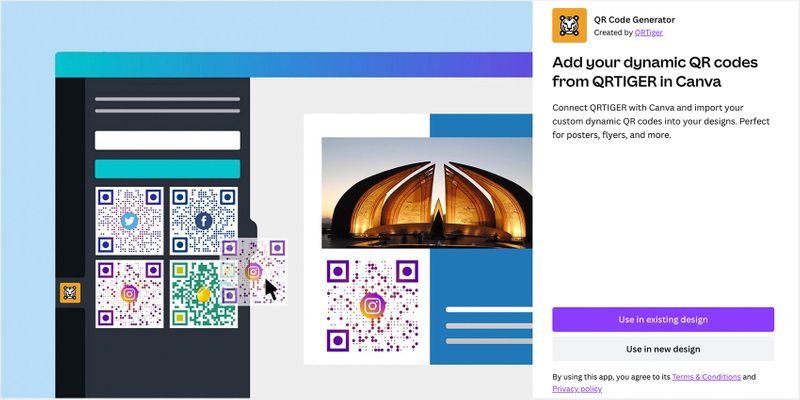
对于企业和营销人员来说,了解如何在Canva中制作具有动态功能的QR码非常重要。
动态二维码是如何工作的 确切地?
动态QR码是一种特殊类型的QR码,将短网址嵌入到码中。这些网址会将扫描器重定向到要共享的实际信息,允许内容随时更新。
如果您正在使用QR码软件,比如QR TIGER,您可以快速创建动态QR码并将其集成到您的设计中。
如何在我的Canva设计中添加QR码?
将QR码放入 坎瓦 使用平台自带的生成器创建项目,请按照以下步骤进行:
- 在编辑器侧边栏上,找到“应用”按钮。
- 通过向下滚动并点击,找到“QR码”选项 它。
- 输入要链接到的页面的URL,然后点击“生成代码”按钮。
如何在 Canva 中使用 QR TIGER 添加动态二维码 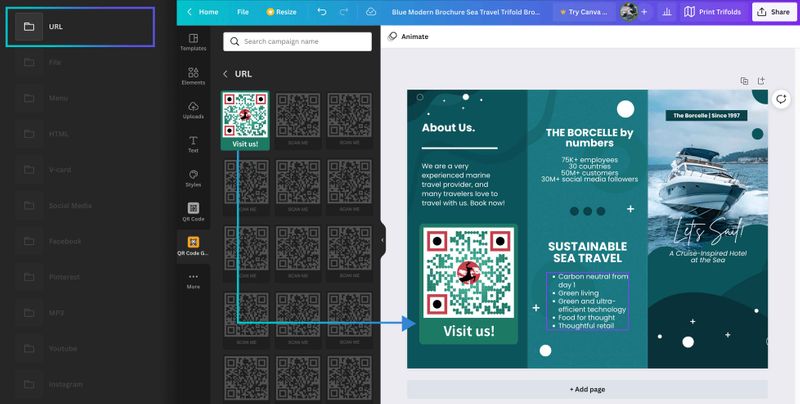


免责声明
本文仅供一般信息目的,不构成法律、财务或其他专业建议。如对{{P0}}的产品或服务有疑问,请联系我们的支持团队,邮箱地址为it@qrtiger.com。
常见问题(FAQ)
Can you see how many times a Canva QR code has been used?
Yes, Canva users with access to the Business or Enterprise plans can use the Canva Insights feature to track how many times a QR code has been scanned.
However, this only applies to dynamic QR codes, as static QR codes do not offer any analytics features.
What are the limitations of Canva QR codes?
Canva's built-in QR codes can only convert URLs into QR codes; the platform does not offer any other QR code solutions natively. Users can integrate with third-party QR code platforms to access additional QR code data types, such as PDF and Video.
Are Canva QR codes really free?
Canva’s built-in static and dynamic QR code generators are completely free to use on any plan and never expire. However, tracking features and logo integration require Business and Enterprise plans.
Does a Canva QR Code expire?
Yes, static and dynamic QR codes created with Canva’s QR code generator do not expire, but users will lose access to Canva’s analytics feature if their Business/Enterprise account expires.
这篇文章有帮助吗?
通过最佳的二维码生成器最大化扫描次数
加入数千家全球品牌,他们使用 QR TIGER 来管理动态路由、批量创建和深度归因分析。
免费开始